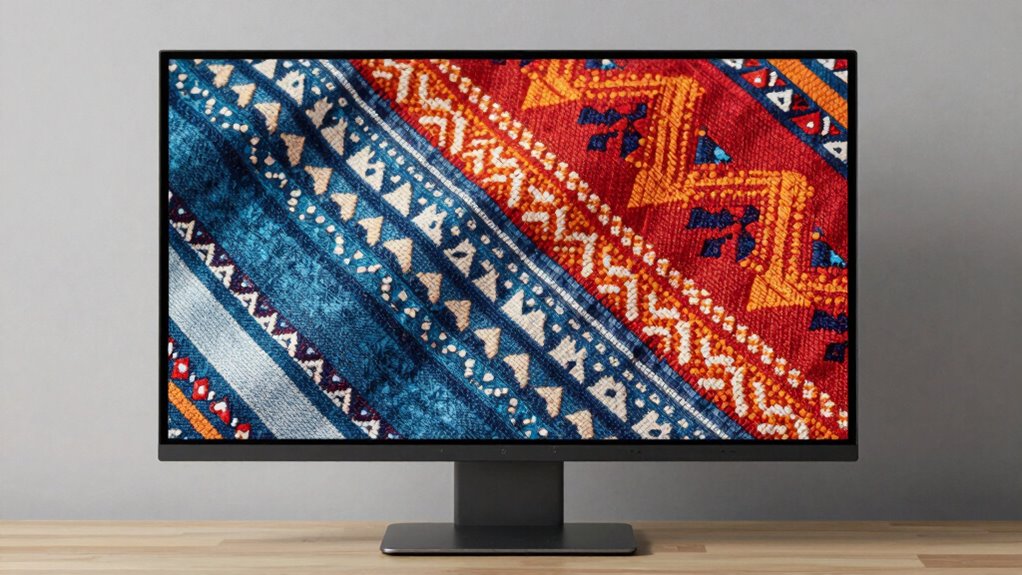

To improve your textile design work, choose a monitor with excellent color accuracy and a wide color gamut like Adobe RGB or DCI-P3. Make certain it has strong calibration features to keep colors consistent over time and prevent drift. Look for consistent brightness and uniformity across the screen to view fabric details accurately. High-quality features and reliable performance are essential for precise designs. Keep exploring, and you’ll discover even more ways to optimize your workspace.

Get your wardrobe favorites delivered free — and shop member deals
- Fast, free delivery on millions of items
- Access to Prime Big Deal Days deals on October 6–7
- Prime Video, Amazon Music and more included
Key Takeaways
- Accurate color reproduction with wide color gamuts like Adobe RGB or DCI-P3 for precise textile color matching.
- Built-in calibration tools and hardware calibration support to maintain consistent color accuracy over time.
- Reliable color management and compatibility with calibration devices to ensure faithful color reproduction.
- Uniform brightness and panel consistency to accurately assess fabric colors and details.
- High-quality display features that support detailed design work and long-term reliability for consistent workflow.
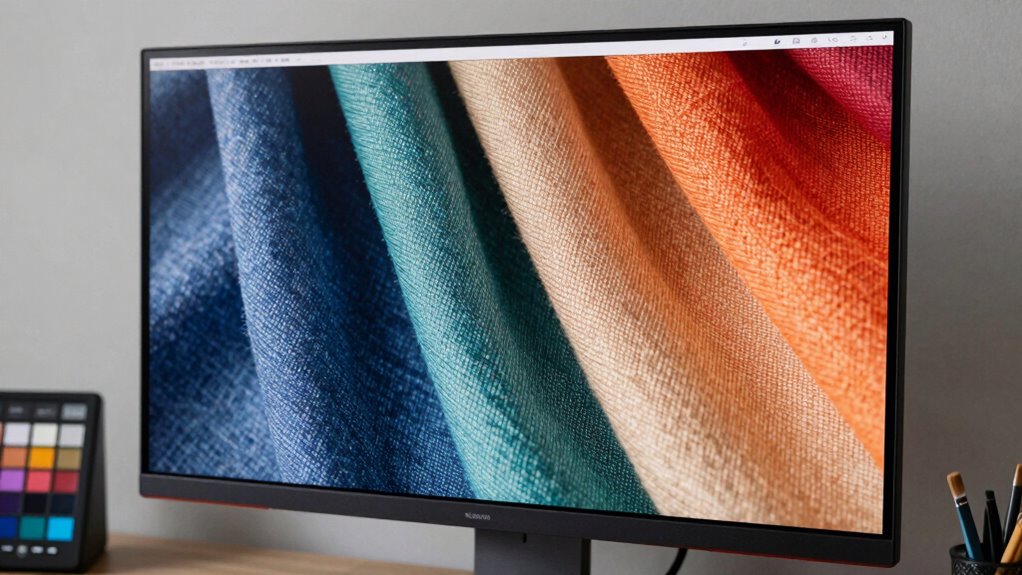
Choosing the right monitor is fundamental for textile design, as it directly impacts how accurately you can see colors and details. When working on textiles, where color matching and fine details are critical, a monitor with excellent color accuracy is non-negotiable. You need a display that can reproduce colors precisely, so what you see on screen matches the physical fabric or print. A monitor with high color accuracy ensures your designs look consistent across different devices and in the final product. To achieve this, look for models that support wide color gamuts like Adobe RGB or DCI-P3, which can display a broader spectrum of colors than standard monitors. This allows you to see subtle color variations and make more informed decisions, ultimately leading to better textile designs. Additionally, screen calibration plays an essential role in maintaining color consistency over time. Even the best monitors can drift from their original color settings, making calibration a key step. A monitor that offers hardware calibration capabilities allows you to fine-tune the display’s colors accurately, ensuring your workspace remains reliable. Regular calibration helps you avoid misjudging colors, which could result in costly reprints or mismatched fabrics. Incorporating color management practices can further enhance your workflow by ensuring color fidelity throughout your design process. Some monitors come with built-in calibration tools or are compatible with calibration devices, simplifying this process. By investing in a monitor that supports accurate screen calibration, you guarantee your designs are always true to color, saving you time and money in the long run. Understanding color spaces and how they relate to textile printing can help you select the most suitable display for your specific needs. Moreover, selecting a monitor with consistent brightness levels helps maintain color accuracy across different lighting conditions, which is crucial for precise textile work. Additionally, choosing a monitor with good panel uniformity can help prevent uneven color or brightness shifts across the screen, further improving your accuracy.
monitor with Adobe RGB color gamut
As an affiliate, we earn on qualifying purchases.
As an affiliate, we earn on qualifying purchases.
Frequently Asked Questions
How Important Is Color Accuracy for Textile Pattern Creation?
Color accuracy is essential for textile pattern creation because it guarantees your designs look consistent across different displays and materials. You need a monitor with high color consistency, so colors stay true throughout your workflow. Additionally, a high display resolution helps you see fine details clearly, confirming your patterns are precise. Prioritizing these features allows you to produce accurate, vibrant textile designs that match your vision perfectly.
What Monitor Size Is Ideal for Detailed Textile Design Work?
For detailed textile design work, a 27-inch monitor is ideal, providing ample workspace without feeling overwhelming. Look for a high screen resolution, like 4K, to see intricate patterns clearly. Make sure it has ergonomic features—adjustable height, tilt, and swivel—to reduce strain during long sessions. This combination helps you work efficiently, accurately, and comfortably, especially when fine detail and color precision are essential.
Do I Need a High Refresh Rate for Textile Design?
Absolutely, you don’t need a high refresh rate for textile design. While gaming performance and motion smoothness are essential for gaming, they’re less critical in textile work. A standard 60Hz refresh rate provides enough stability for detailed design accuracy. Focus instead on color accuracy, resolution, and panel quality. High refresh rates won’t enhance your design process but could distract from the precise, polished visuals you need.
How Does Monitor Calibration Impact Textile Color Matching?
Monitor calibration considerably impacts textile color matching by ensuring color consistency across your workspace. When you regularly calibrate your monitor using calibration software, you maintain accurate color representation, preventing discrepancies that can ruin your designs. Proper calibration helps you see true colors, making it easier to match textiles precisely. This consistency is essential for quality control and client satisfaction, especially when working with detailed patterns and subtle color variations.
Are Curved Monitors Better for Textile Pattern Visualization?
Yes, curved monitors are better for textile pattern visualization because they provide a more immersive experience, allowing you to see details more clearly across the entire display. The curved display reduces distortion and minimizes glare, giving you a consistent view no matter where you focus. This helps you accurately assess colors and patterns, making your textile design process more precise and efficient.
Conclusion
Choosing the right monitor subtly elevates your textile designs, allowing your creativity to flow seamlessly. When you select a display that gently balances color accuracy, resolution, and comfort, you set the stage for your work to truly shine. A meticulously chosen monitor acts as an unobtrusive partner, quietly enhancing your craft without overshadowing your artistic vision. In the end, it’s this harmonious blend that helps your designs resonate with sophistication and precision, elevating your entire creative journey.
Fall Picks
fall essentials
As an affiliate, we earn on qualifying purchases.